GeoTube Clip — Single Device License
Price range: $ 19.99 through $ 199.00
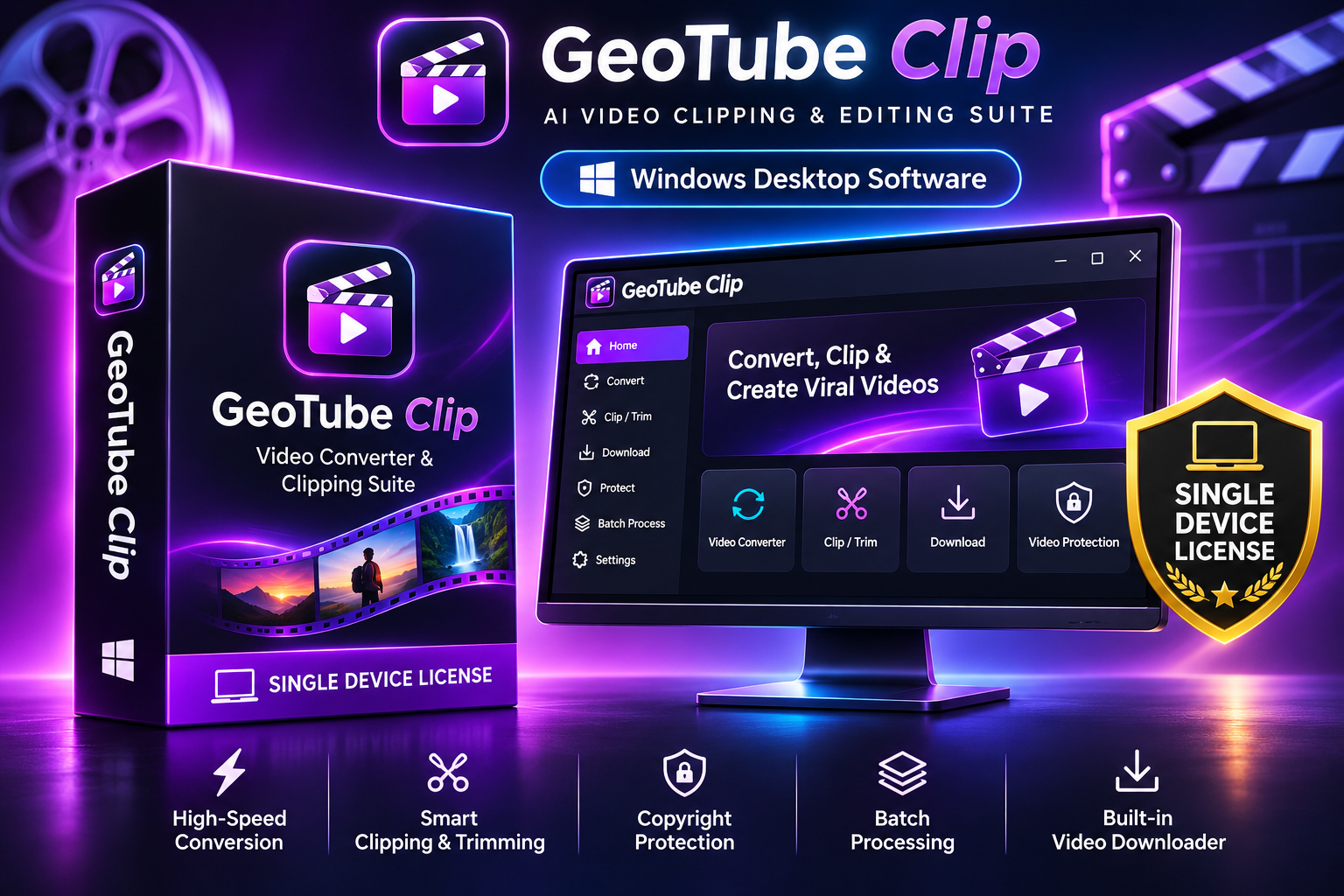
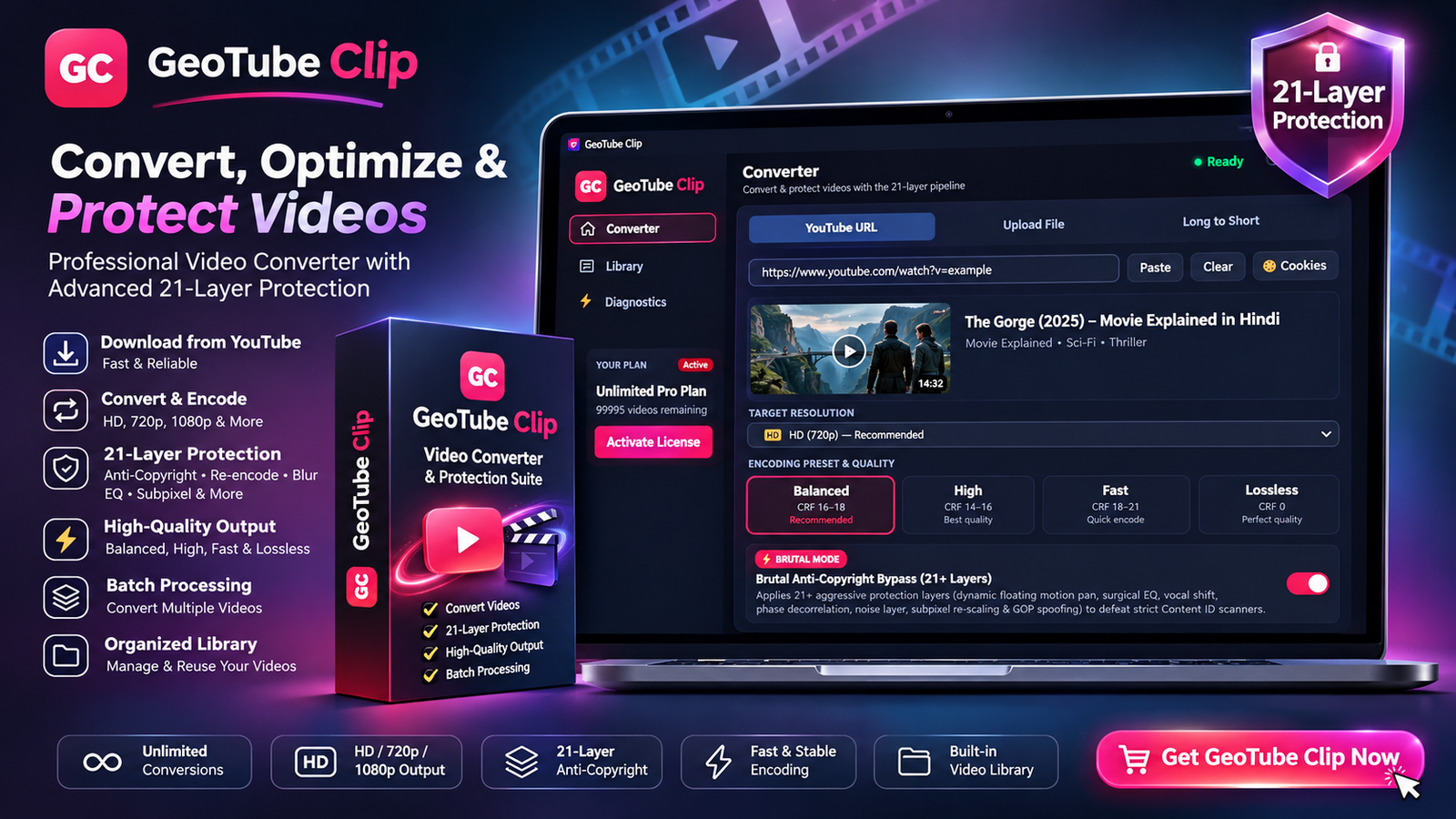
Stop editing by hand. GeoTube Clip for Windows turns long videos into ready-to-post Shorts, TikToks and Reels in minutes — smart clipping, burned-in captions, a 21-layer protection pipeline, an animated channel badge and a built-in YouTube downloader. 1 Windows PC. One-time payment — Plans from $19.99. The app includes 2 free trial conversions, no licence key needed to start.
Description
📦 Choose Your Plan (select a plan above before adding to cart):
⏳ 1 Month — 🎬 25 Videos
⏳ 3 Months — 🎬 70 Videos
⏳ 6 Months — 🎬 150 Videos
⏳ 12 Months — 🎬 300 Videos
♾️ Unlimited Lifetime — 🎬 Unlimited Videos
💻 Runs on 1 Windows PC
💳 One-time payment for the plan you choose — no auto-renewal, no recurring charges. When your plan ends, simply buy again to renew.
🎁 Every plan includes all features and 2 free trial conversions.
Turn Long Videos into Viral Shorts — Automatically
GeoTube Clip is a Windows desktop app that does the boring editing work for you. Paste a YouTube link or drop in your own video file, and GeoTube Clip finds the best moments, cuts them into vertical 9:16 clips, burns in captions and exports ready-to-post Shorts, TikToks and Reels — in minutes, not hours.
Key Features
- Long video → Shorts / TikTok / Reels — repurpose one long video for every platform
- Smart clipping — the best moments are picked and cut automatically
- 21-layer protection pipeline — every clip is deeply re-processed so it is uniquely yours
- Animated Channel Badge — your channel name slides in on a red strip, then stays as your logo mark (just like the big networks)
- Burned-in captions — subtitles hard-coded into every export
- Built-in YouTube downloader — paste a link, download, convert — all inside one app
- Upload your own videos — works with files from your PC too
- Encoding presets — ready-made settings for Shorts, TikTok, Reels and more
- Built-in trimmer — cut any converted video to the exact seconds you need
- Drama / Movie mode — tuned processing for drama and movie channels
How It Works
- Download & install the app (link arrives by email after payment confirmation)
- Activate with the licence key from your email — one time only
- Paste a link or upload a video, pick a preset, press convert — done
What’s Included
- GeoTube Clip for Windows — full version, all features above
- Licence for 1 Windows PC
- One-time payment — no auto-renewing subscription. Every feature listed here is included in full
- 2 free trial conversions are built into the app — try before you activate
Requirements
- Windows 10 or Windows 11 PC
- Internet connection for activation and YouTube downloads
Delivery & Support
Pay easily via JazzCash (Pakistan) or Binance (international), upload your receipt on the Payment Confirmation page, and your download link + licence key arrive by email after payment confirmation. Questions? WhatsApp support: +92 344 5266661.
Additional information
| Plan | 1 Month — 25 Videos, 3 Months — 70 Videos, 6 Months — 150 Videos, 12 Months — 300 Videos, Unlimited Lifetime |
|---|
1 review for GeoTube Clip — Single Device License
Related products
-
Sale!
GeoTube Clip Pro — 3 Devices License
Price range: $ 39.00 through $ 299.00 Select options This product has multiple variants. The options may be chosen on the product page -
Sale!
GeoTube Clip Android Pro — 3 Devices License
Price range: $ 19.99 through $ 199.00 Select options This product has multiple variants. The options may be chosen on the product page -
Sale!

GeoTube Clip Android — Single Device License
Price range: $ 9.99 through $ 99.00 Select options This product has multiple variants. The options may be chosen on the product page
Shahzain Ansari (verified owner) –
⭐⭐⭐⭐⭐
**Excellent Software – Highly Recommended!**
GeoTube Clip is an excellent and user-friendly tool for video editing and processing. The software works smoothly, delivers great results, and offers very useful features. The interface is simple and easy to navigate.
I am very satisfied with the overall experience. Highly recommended for anyone looking for a reliable video clipping solution. Great work by the developer! Keep it up. 👍
GeoTube Clip (verified owner) –
Thank you so much for your purchase and for choosing **GeoTube Clip!** We truly appreciate your trust and support. Your feedback means a lot to us. We hope you enjoy using the software and have a great experience with it. If you ever need any assistance, our support team will be happy to help.
Thank you for being a valued customer! ❤️